How to map data from one source into another
In this tutorial, we'll teach you how to map data from one source into another with Pluxbox. We will use the News API integration and map its data into our dataset using the Map Object Block.
You will learn:
- How to create a data set
- How to create a workflow
- How to trigger your workflow
- How to map data to your data collections
By the end of this video, you’ll have a good knowledge about how the Workflow environment works, making it a useful skill to any Pluxbox project!
Code for triggering your process:
mutation{
processes{
import_csv_files{
status
processName
}
}
}
Do you need more information? Go to Pluxbox Documentation
Share this tutorial
Back to overviewNever stop learning
 07:01
07:01
How to establish a One-to-many Relation between collections
Learn how to connect collections of cities and countries by establishing a one-to-many relation.
 05:31
05:31
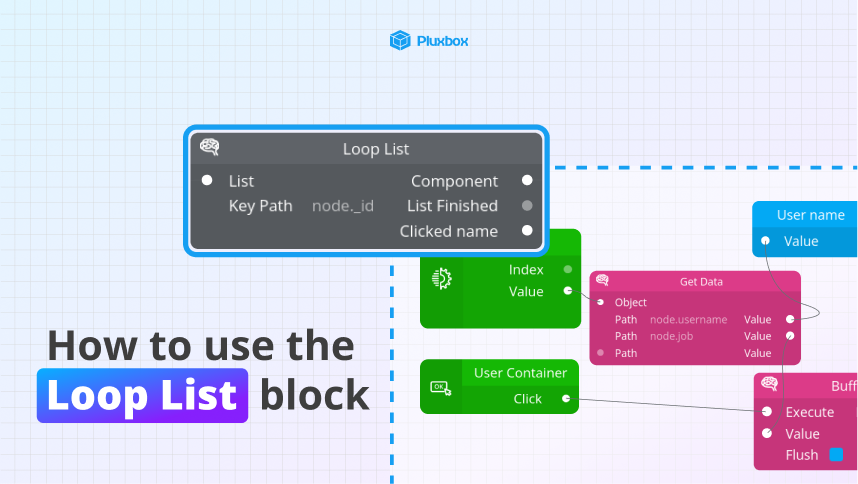
How to use the Loop List block
Learn how to iterate through a list of items using the loop list block.
 11:21
11:21
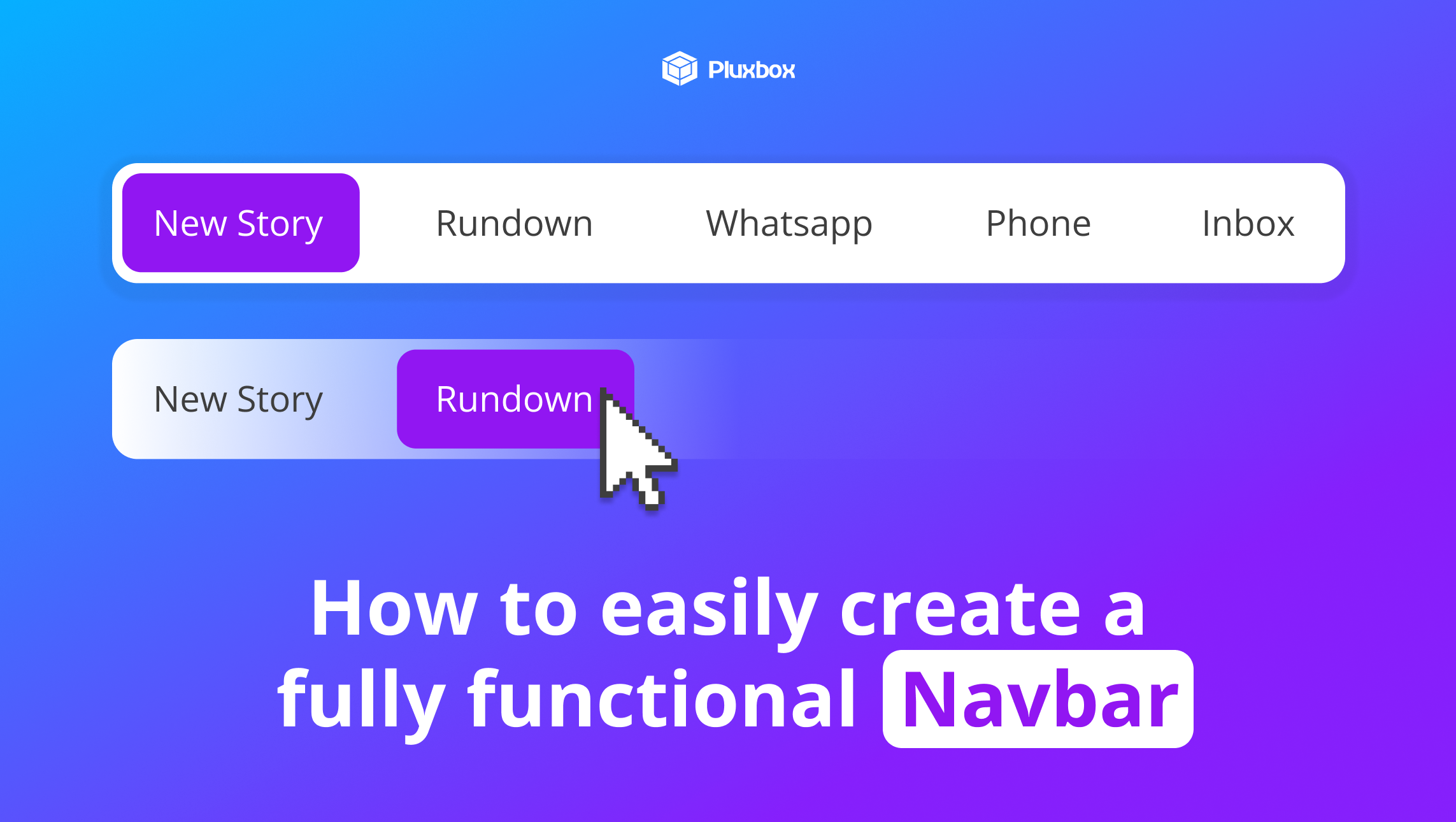
How to easily create a fully functional navbar
Learn how to build reusable tab components for creating a dynamic navbar.
